What is a Password Manager?
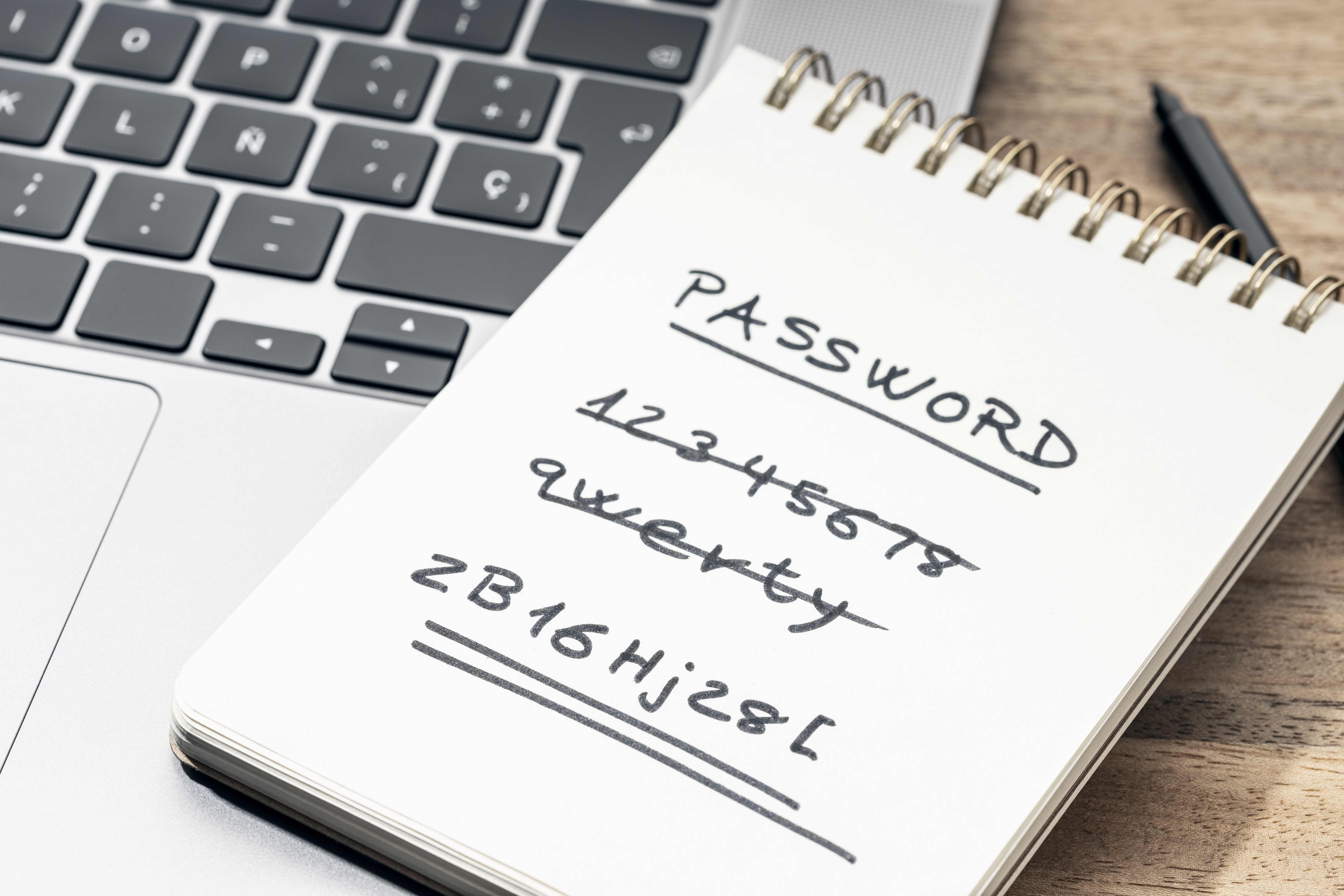
What is a Password Manager?
Passwords unlock our digital lives. We use them for email, bank accounts, and more.
Remembering all these passwords is hard. Password managers help us keep our accounts safe and make our lives easier.
A Password Manager keeps all your passwords in one place. Think of it as a digital safe for your login information.
You only need to remember one password, the master password. This master password lets you access all your other passwords.
Types of Password Managers
Password managers come in different forms:
· Apps you download on your phone or computer
· Tools that work in your web browser
· Some offer both options
Password managers encrypt your information strongly. When you save a password, the manager scrambles it. This makes the password unreadable to anyone who tries to steal it.
Why use a Password Manager?
It helps you create strong passwords
Most people use weak passwords because they can remember them. But weak passwords are easy for bad guys to guess. Password managers generate long, random passwords that are hard to crack.
It remembers your passwords
With a password manager, you don’t need to memorise many passwords. The tool does this for you. You can use a unique, strong password for each account without forgetting them.
It keeps your passwords safe
Password managers use high-level security to protect your data. They encrypt your passwords. Even if someone hacks the password manager company, they can’t read your information.
Features of a Password Manager
Password Generation
Good password managers can create tough, unique passwords for you. They mix letters, numbers, and symbols to make passwords hard to guess.
Auto-Fill
Many password managers can fill in your login information on websites. This saves time and avoids typos.
Secure Notes
Some password managers let you store other sensitive information too. This can include credit card numbers or important documents.
Password Sharing
Some tools let you share passwords safely with family or co-workers. This helps with joint accounts or team projects.
Are Password Managers Safe?
Password managers are very secure when used correctly. They encrypt your data strongly. This means your password gets scrambled. It’s almost impossible for hackers to unscramble it without the right key.
Nothing is perfect, though. Choose a password manager with a good reputation and regular security checks.
How to Choose a Password Manager
Look for these things when picking a password manager:
Security Features
Find one with strong encryption and two-factor authentication. These features keep your information extra secure.
Ease of Use
The best password manager is one you will use. Find one that’s easy for you to understand and use.
Device Compatibility
Make sure the password manager works on all your devices. This includes your phone, tablet, and computer.
Tips for Using a Password Manager Safely
1. Create a strong master password
2. Use two-factor authentication
3. Never share your master password
4. Update your password manager regularly
5. Be careful when using password managers on other people’s computers
6. Always log out when you’re done
If your tech stack is missing a Password Manager Talk to us today about our IT Packages